


Specialist Guide / Envelope Coordination
Steel Building Color Selection: What to Confirm Before Production
A steel building does not have one color decision. Each visible component needs its own approved entry in the production schedule.
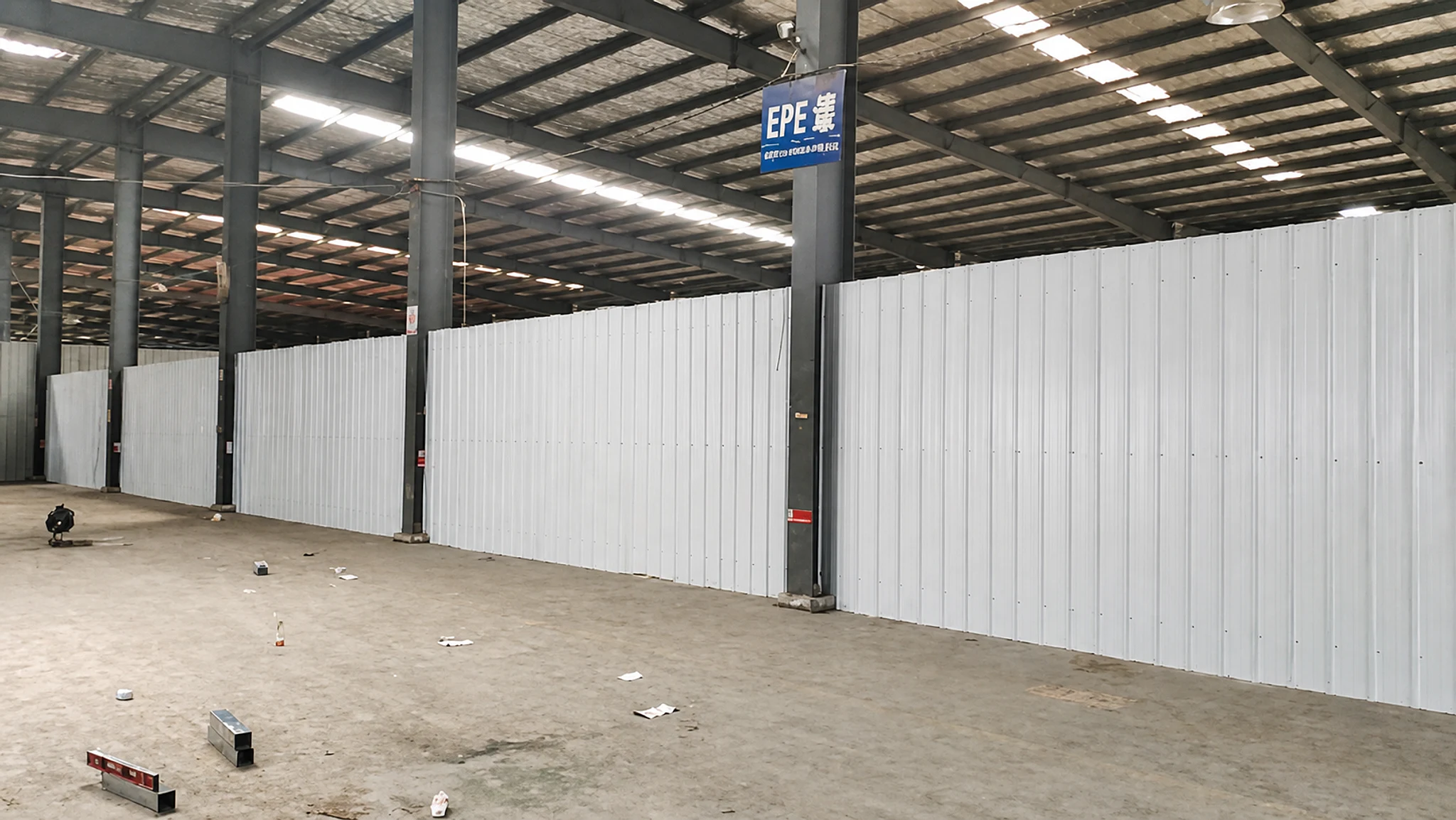
Why a schedule is necessary
A color request becomes reliable when it is organized by component.
A workshop or warehouse may look simple in a rendering, but its visible surfaces come from several product groups. Frame paint does not automatically define the roof-sheet color. Wall panels do not automatically match rolling doors or window frames. A component-by-component schedule gives the buyer, supplier and project team one approved reference.
- Painted steel structure
- Roof
- External walls
- Rolling doors
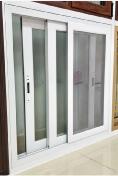
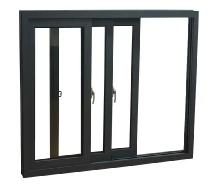
- Window frames
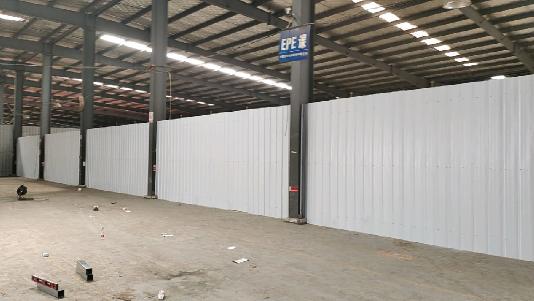
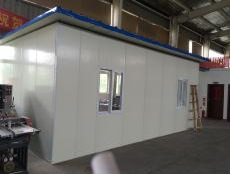
- Internal walls
Current confirmation material
Reference options are a planning aid, not a permanent stock promise.
Grey, red, light blue and dark blue. Grey is marked as the current standard and suggested option.
Blue, white, grey, beige, green and red.
Blue, white, grey, beige, green and red.
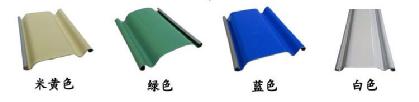
Beige, green, blue and white.
White and grey.
Grey-white is the usual reference; special colors should be discussed before production.
Final availability, exact shade and finish must be confirmed for the specific order. A screen image, printed sheet and finished metal surface may not look identical.
Five-step approval workflow
Move from visual direction to one production-ready schedule.
- 01
Separate the building into components
List the structure, roof, external wall, internal wall, rolling doors, windows and any other visible items.
- 02
Define the intended appearance
Share the relationship between roof, wall and accent colors, supported by reference photos where useful.
- 03
Record every component choice
Do not assume that an unlisted door, window or internal surface will automatically match another component.
- 04
Flag special colors early
Keep non-standard requests pending until the relevant component, shade and finish are confirmed for the order.
- 05
Approve one final schedule
Issue one version-controlled component schedule before procurement and production begin.
Information to send
Prepare the review before the production freeze date.
- Project name and building use
- Painted-structure selection
- Separate roof and external-wall selections
- Rolling-door and window-frame selections
- Internal-wall selection
- Reference images or an accepted color reference
- Any elevation using a different combination
- The date the schedule must be frozen
Individually extracted source images
Each source image is now presented as structured webpage content.
The images below were extracted directly from the supplied color-confirmation PDF and reorganized by building component. They are no longer PDF-page screenshots, so document text, crop edges and unrelated options do not enter the image area.
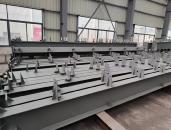
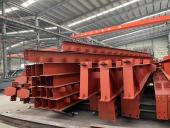
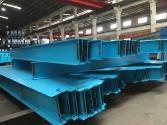
Steel-frame paint references
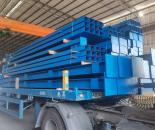
The source sheet presents four separate painted-structure references. Grey is marked as the current standard and suggested direction; every order still requires confirmation.
Roof-sheet and wall-panel color families
The same six visible color families appear in the current confirmation material for both the roof and the external wall, but the two components should remain separate schedule entries.
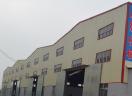
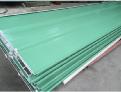
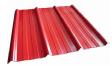
Rolling-door sheet references
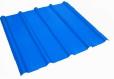
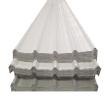
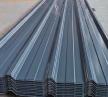
The supplied material groups four rolling-door color samples in one original source strip.
Window-frame references
Window-frame color is another independent component decision in the source confirmation sequence.
Grey-white internal-wall references
The source identifies grey-white as the normal internal-wall direction and asks buyers to discuss any special color before production.
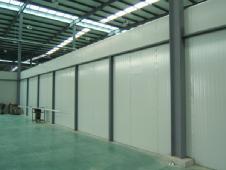
Completed appearance references from the supplied sheet
These examples communicate color relationships only. They do not establish the final shade, finish, specification or availability for a new order.
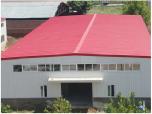
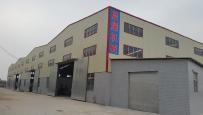
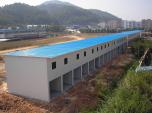
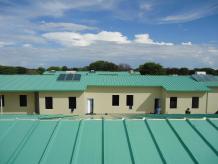
These are the highest-resolution image objects available inside the supplied PDF. They preserve the source evidence without inventing detail; final shades and material finishes still require order-specific confirmation.
Frequently asked questions
Keep each decision conditional and project-specific.
Can the roof and external walls use the same color?+
They can use the same color family, but each component should still be listed and confirmed separately because materials and finishes may differ.
Can I request a color not shown in the current sheet?+
Yes. Keep it as a special-color request until Ganyo confirms availability for the relevant component and order.
Does grey paint define the corrosion-protection level?+
No. Paint color and corrosion-protection specification must be confirmed separately.
Can a website image be the final color standard?+
Use website images for direction only. The order-specific reference accepted by both parties controls final confirmation.
Prepare the project discussion
Send a component-by-component color schedule.
Include structure, roof, wall, door, window and internal-wall selections with reference images.